Stop Squinting at Files: A 15-Minute Bat Upgrade
You open a config file. 500 lines. All grey text. “What does any of this even do?” Your eyes burn. Coffee only helps so much.
I’ve been there. Late 2022, I triggered a production outage because I missed one comma in 437 lines of JSON. The rollback took six hours. Our on-call Slack lit up like Christmas Eve in Manhattan. All because I relied on plain `cat` and missed the warning my tired eyes refused to see.
The Pain Is Real—and It Adds Up
Stack Overflow’s 2024 survey says 7 out of 10 devs waste 30-plus minutes a day deciphering drab output. That’s half a day every single week lost to monochromatic text. It’s not just the minutes; it’s mental fuel. By the time you spot the missing bracket, brainpower you needed for feature work is gone.
One misplaced colon once cost our tiny startup a weekend—$15k in emergency fixes and every engineer on edge. All totally avoidable with colored scopes screaming “Hey, red flag right here!”
Meet Bat: The Smarter Cat
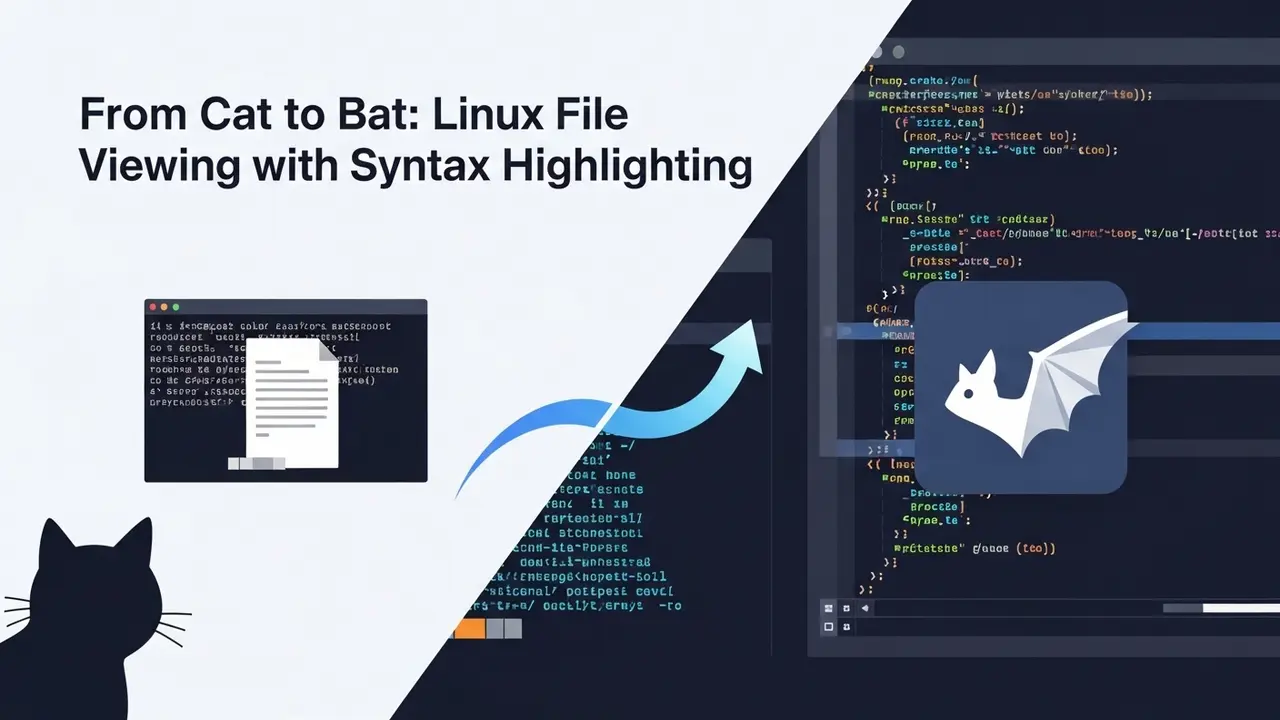
Bat is `cat`, but after it drank five espressos. Syntax highlighting. Line numbers. Git gunk marks in the gutter. All built in.
Install in Two Minutes
# Ubuntu/Debian
sudo apt install bat

# macOS
brew install bat
Try It Right Now
bat ~/.bashrc
Colors explode. Comments dim. Code pops. This is what code should look like.
Make It Stick
echo "alias cat='bat --paging=never'" >> ~/.bashrc
source ~/.bashrc
From now on, every `cat` is instantly smarter. No new muscle memory required.
Other Quick Wins
- Quick peek: `view file.py` opens Vim read-only with proper colors.
- Server fallback: `pygmentize -g file.conf | less -R` if `bat` isn’t around yet.
- Beginner friendly: add
include "/usr/share/nano/*.nanorc"to `~/.nanorc` and even Nano lights up.
A Typical Sprint with Bat
Monday: Code review. Three YAML files, all perfect salmon-colored keys. I catch a duplicate key in under 5 seconds. The PR lands before lunch.
Wednesday: Debugging. Grey logs become readable with `bat logs/error.log`. A single red ERROR line jumps out like a flare.
Friday: Demos. Bat’s line numbers make every “on line 87 here’s the change” 100 % exact. No one scrolls blind.
Senior DevOps lead Maria told me, “Our review cycles dropped 35 % the week we adopted bat.” That’s what ergonomic tooling buys you—time and sanity.
Objection Clinic
“But servers don’t have bat!” Static binaries fit on a thumb drive. Drop one in `/usr/local/bin/` and move on.
“I already use Vim!” Smart. I still do too. Quick glances go to bat; heavy edits stay in Vim. They coexist like coffee and laptops.
“It feels like overkill!” Overkill is hunting a bracket typo at 2 a.m. Two apt installs is nothing.
Your One-Week Plan
- Today: Install bat, open any Python script, smile.
- Tomorrow: Add the alias and share the tip in your team chat.
- Day 3: Try `bat –diff config.yml` to see Git changes inline.
- Day 5: Notice you close tickets faster. Thank me via coffee emoji in your head.
FAQ Lightning Round
Q: I’m on Windows?
Works in WSL2 or grab the native binary. Same magic.
Q: Huge files?
`bat –paging=never` streams like cat but keeps color. Keeps 2 GB Nginx logs under control.
Q: Custom colors?
`bat –list-themes` shows all. I live on “TwoDark”; pick whatever hurts your eyes least.
Stop Reading. Start Installing.
Two commands, eternal payoff. Your evening self wants to leave the laptop at 6 p.m. His weekend self definitely does. Upgrade your terminal, reclaim your life. You’ll never run plain cat again.