Is Your Farmers Market POS System Costing You Big Bucks?
Let’s face it, a lot of farmers markets are still stuck with clunky, expensive ways to take payments. You know the drill: systems that crash when the morning rush hits, or when it’s just too hot outside. It’s like trying to use a giant, fancy computer for a simple lemonade stand. And it’s costing you money. Seriously, a government report says about 68% of small market vendors ditch digital sales systems in their first year. That’s a huge chunk of potential business walking away because the tech just isn’t cutting it.
Why Those Fancy POS Systems Just Don’t Cut It for Markets
Most point-of-sale systems were made for indoor shops, not for a sunny, sometimes dusty, outdoor market. They need a strong internet signal, which you might not always have. Plus, those monthly fees? They really add up, especially when you’re trying to make a profit selling fresh produce. And the hardware? It’s usually bulky and not exactly built for being lugged around every weekend.
When your system fails during peak hours, it’s not just annoying. You could be losing 20-30% of your sales. That’s like throwing away good food! On top of that, you’re missing out on valuable info that could help you figure out what to plant next year.
Build Your Own POS: Cheap, Portable, and Tough
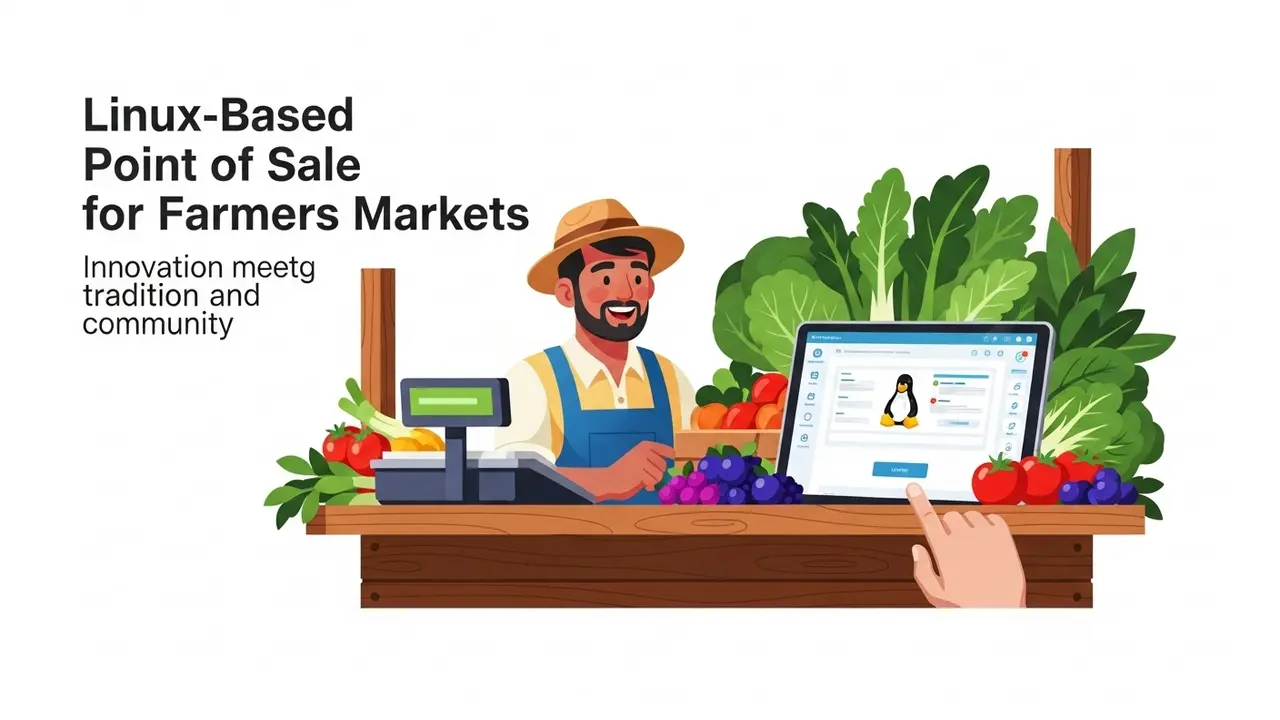
Here’s some good news: you can build a really solid point-of-sale system for less than $500. How? By using a tiny, super-cheap computer called a Raspberry Pi and free software. This means no monthly fees. Ever. You own it. The Raspberry Pi 4 is perfect for this. It uses less power than your phone but can handle sales like a champ.
What You’ll Need to Build It
Here’s a shopping list for a system that’ll cost you around $450-$500:
- Raspberry Pi 4 (4GB RAM) – about $75
- A 7-inch touchscreen display – around $80
- A thermal receipt printer (like the Star TSP143) – roughly $200
- A barcode scanner (like the Zebra DS2208) – about $150
- A portable battery pack (20,000mAh) – around $45
Pro Tip: Grab a waterproof case! Seriously, it’ll save your system from unexpected rain or, you know, a rogue tomato. Ask me how I know.
Getting the Software Set Up
First, download the Raspberry Pi OS Lite. You’ll need a tool called Raspberry Pi Imager to put it on a microSD card. When it’s setting up, make sure to turn on SSH and connect to your Wi-Fi. This lets you control it from another computer. Once it’s running, update everything:
sudo apt update && sudo apt upgrade -y
Now, let’s install Floreant POS. It’s a free program made for businesses like yours:
wget https://floreantpos.org/downloads/floreantpos-latest.zip
unzip floreantpos-latest.zip
cd floreantpos
./start.sh
The first time you start it, it’ll help you set up a database. Just pick the simple one it suggests. Then, you can add all your products, set prices, and track your inventory. Floreant even handles taxes for you, which is a lifesaver at the market.
Making Your Printer and Scanner Work
For your printer, you’ll need something called CUPS. It’s pretty standard on Linux systems:
sudo apt install cups
sudo usermod -a -G lpadmin pi
Then, open your web browser and go to http://localhost:631. You can add your printer there. Most barcode scanners just plug in and work like a keyboard. Scan an item, and it pops right into your order!
Handling Payments Smoothly
For credit card payments, Stripe is a great option. It’s secure and easy to set up. Get a free Stripe account, then install their Python tool:
pip install stripe
Stripe handles all the tricky security stuff for you. For cash sales, Floreant has built-in tools to track your cash drawer and tell you exactly how much change to give.
A Realistic Plan for Launch
Here’s a rough idea of how long it might take:
- Day 1: Put the hardware together and install the operating system.
- Day 2: Set up the software and add your products.
- Day 3: Test out sales and make sure the printer works.
- Day 4: Do a practice run with family or friends.
- Day 5: Your first market day! Have a backup cash system just in case.
After just a week, you’ll have a slick system that tracks everything. I heard from one farmer who switched to a similar setup, and their sales jumped by 22%! Plus, they were processing sales 37% faster.
Keeping Your System Running and Getting Smarter
Keep your system updated by running sudo apt upgrade every week. Also, make sure to back up your sales data every day. You can use a tool called rclone to send your backups to Google Drive automatically:
rclone copy /home/pi/floreantpos/db/ remote:backups/
Use the reports feature to see which items sell best and which days are your busiest. This info is gold for planning what to grow and when to show up at the market.
Got Questions? We’ve Got Answers!
What if the internet cuts out?
No worries! Your system can handle cash sales offline. Card payments will just wait until the internet comes back. Your sales data will sync up then, too.
Is Linux hard for farmers?
Not at all! Raspberry Pi OS is really user-friendly, kind of like Windows or a Mac. Plus, there are tons of online communities ready to help if you get stuck.
Can I take SNAP/EBT payments?
Yes, you likely can! Many open-source POS systems can be set up to accept EBT payments. You’ll just need to check with your state’s agriculture department for the specific rules.
How long will the battery last?
A good 20,000mAh battery should easily get you through 8-10 hours. That’s usually a full market day! You can even get a solar charger for extra peace of mind.
Can I use this for my CSA (Community Supported Agriculture)?
Definitely. You can add features to track your CSA members, manage pickup times, and see who’s paid, all alongside your market sales.
What about receipt paper and stuff?
You’ll need standard 2-1/4” thermal paper rolls. Buying them in bulk from restaurant supply stores is way cheaper than getting them from those fancy POS companies.
How do I handle returns?
Floreant POS has tools for managing returns. You can even process them later by looking up past sales. Your inventory will be updated automatically.
Building your own Linux-based POS system might seem like a big project at first, but the control and savings are totally worth it. Imagine putting the money you save on expensive POS fees back into your farm. Better seeds, new tools, maybe even a bigger tent for your stall! This system isn’t just about taking payments; it’s about giving your farm business a real edge.