- 1 Kali Linux: Your Secret Weapon for 2025 (and Beyond!)
- 2 The Problem: Stuck With The Wrong Cybersecurity Tools?
- 3 The Agony: Wrong Tools Mean Lost Time & Missed Chances
- 4 The Solution: Kali Linux – Your Ultimate Cybersecurity Sidekick
- 5 Kali Linux: Your Journey Starts Now (Ready for 2025?)
- 6 FAQs: Your Questions About Kali Linux, Answered!
- 6.1 Q1: Is Kali Linux safe for beginners?
- 6.2 Q2: Will using Kali Linux make me a hacker?
- 6.3 Q3: What’s the difference between Kali Linux and Ubuntu?
- 6.4 Q4: Can I run Kali Linux on my Android phone?
- 6.5 Q5: Who developed Kali Linux?
- 6.6 Q6: Do I need powerful hardware to run Kali Linux?
- 6.7 Q7: How important are Kali Linux skills for cybersecurity in 2025?
Kali Linux: Your Secret Weapon for 2025 (and Beyond!)
Want to step into the world of cybersecurity? Maybe you dream of becoming an ethical hacker? If you feel stuck because of confusing tools or tricky instructions, don’t sweat it. Today, we’re talking about what Kali Linux is and how it can turn you into an expert by 2025. Think of it this way: In cybersecurity, having the right tools isn’t just nice to have; it’s everything. Kali Linux? It’s like that magic wand that helps you uncover all the digital secrets. Here’s a crazy fact: Only 5% of cybersecurity pros consistently update their tools. That’s a huge gap, and it’s a golden chance for you to stand out. Ready to dive in?
The Problem: Stuck With The Wrong Cybersecurity Tools?
Cybersecurity is always changing. Always. New threats pop up daily. Did you know that 70% of cyberattacks happen because of phishing? That number shows how vulnerable we really are.
Here’s the deal: Many people new to cybersecurity, or even those trying to improve their skills, end up using the wrong operating systems or tools. This isn’t just a waste of time. It actually stops you from getting crucial information. Without the right platform, you’ll fall behind on key tasks. Things like networking, finding weak spots (vulnerability assessment), or even digital forensics. Are you feeling stuck in this loop?
The Agony: Wrong Tools Mean Lost Time & Missed Chances
Imagine this: You’re in the middle of a huge penetration test. Boom. Your system crashes. Or maybe the tool you’re using can’t even find the latest vulnerabilities. Frustrating? Absolutely. But it’s worse than that. It’s dangerous for your career. And for your clients.
When you skip a specialized tool like Kali Linux, you miss out on so many advanced features. Here’s a shocker: Kali Linux comes with over 1000 security tools pre-installed! If you stick to outdated tools, you’ll be left in the dust. The competition will zoom past you. This isn’t just a small mistake. It’s a choice that could cost you huge career growth.
We’ve all had that “I wish I had done this sooner” feeling, right? Well, this is one of those moments. Do you really want to put your career at risk?
To help you avoid that feeling, we put together an article: Kali Linux A to Z Guide for Beginners. It will point you in the right direction from day one.
The Solution: Kali Linux – Your Ultimate Cybersecurity Sidekick
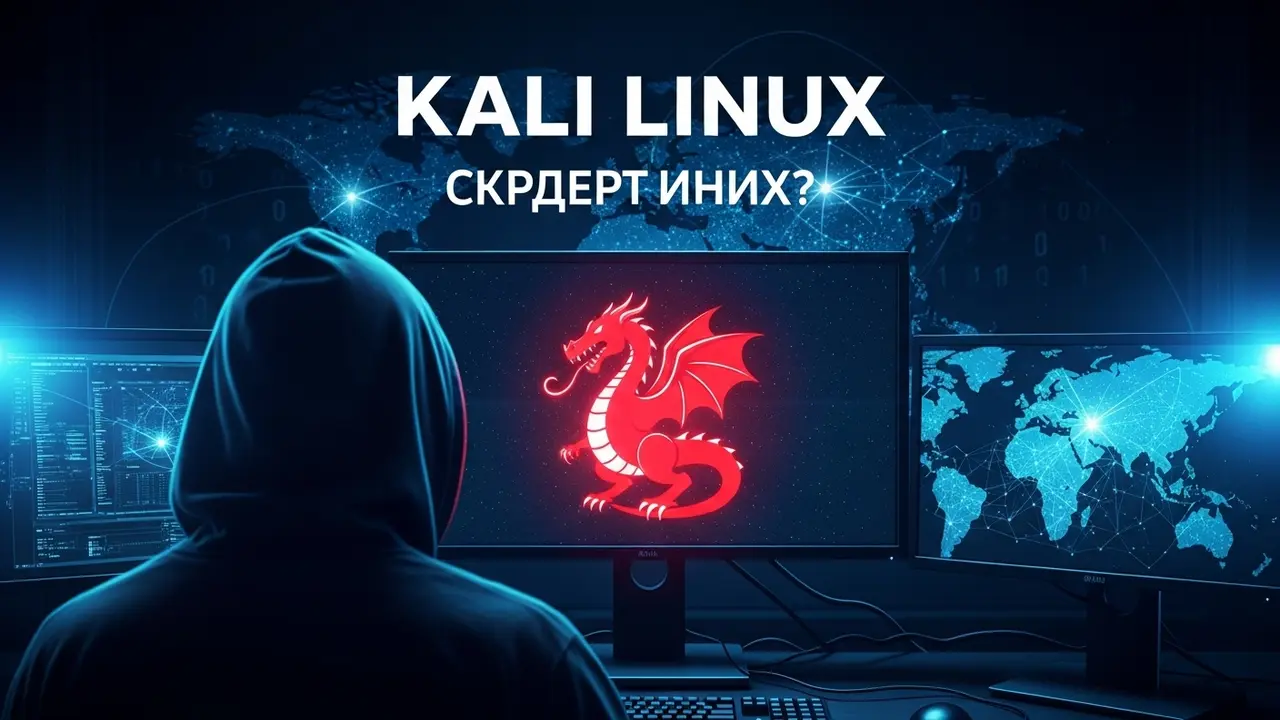
So, what is Kali Linux? It’s a special kind of Linux. Think of it as a toolkit, but for computers. It’s built on Debian, another type of Linux, and it’s made specifically for things like penetration testing, digital forensics, and checking security. What does that mean for you?
It means Kali Linux is a “one-stop shop” for anyone serious about mastering cybersecurity. It comes packed with over 600 security tools already installed. You can use them however you need!
This isn’t just some operating system. It’s a complete ecosystem. It helps you find new vulnerabilities and test how secure a system really is. Imagine a doctor needing special instruments for surgery. Well, a security expert needs a powerful tool like Kali Linux. It’s that essential.
Why Pick Kali Linux? (Seriously, Why Not?)
You might be thinking, “Why Kali Linux? Can’t I just use any other Linux?” Good question! Let’s look at the killer benefits Kali Linux brings to the table:
- Tools, Tools, and More Tools: This is the biggest perk. Kali comes loaded with over 1000 tools already installed. We’re talking network scanners, password crackers, vulnerability analyzers, wireless attack tools… the works! This saves you tons of time. You can just start working right away.
- Make It Yours: Kali Linux is super customizable. You can tweak it to fit exactly what you need. Install your own tools. Set it up just how you like to work. It’s incredibly flexible.
- A Helping Hand: There’s a huge, active community behind Kali Linux. If you ever hit a snag, you’ll find answers fast. Think online forums, detailed guides, and tons of tutorials. So many people use it, and their shared knowledge is a goldmine.
- Always Fresh: The folks at Offensive Security, who build Kali, keep it updated all the time. This means you always have the latest tools and security fixes. You’ll never be behind.
Level Up Your Career!
If you’re serious about a career in ethical hacking or cybersecurity, Kali Linux isn’t just a tool. It’s essential. It gives you a real sandbox to practice in. You can use it to spot security holes, recover lost data, and make networks super strong.
Think of it like Google Maps for the digital world. Just as Google Maps helps you find your way in an unfamiliar city, Kali Linux shows you the hidden paths and weak spots in the digital realm. Ready to take your career in a whole new direction?
We have another article that explains Kali Linux: Complete Handbook for Ethical Hacking 2025 and how it can benefit you. Don’t miss it!
Some Must-Have Kali Linux Tools
Let’s check out a few of the amazing tools packed into Kali Linux. These are super useful for any cyber pro:
- Nmap (Network Mapper): This one’s for finding devices on a network and checking their security. You can scan networks and find open doors (ports).
- Wireshark: A powerful tool for analyzing network traffic. It helps you see what’s flowing across your network so you can catch potential threats.
- Metasploit Framework: The most popular tool for penetration testing. Use it to create and run exploits. It’s like having a master key for testing security.
- Aircrack-ng: A set of tools specifically for testing wireless network security.
- Burp Suite: This is a complete platform for testing the security of web applications. Essential for web security.
Here’s a cool fact: A recent study found that 90% of companies are using ethical hacking services to stop security breaches. That means skills with Kali Linux are hot right now. And hey, if you’re a beginner, you might make a typo or two at first. Totally normal! It’s all part of learning.
# Example: Updating Kali Linux
sudo apt update && sudo apt upgrade -y
How to Use Kali Linux: A Simple Step-by-Step Guide
Installing and using Kali Linux isn’t as scary as it sounds. Here are some basic steps to get you started:
- Get the ISO: Head to the official Kali Linux website and download the latest ISO image. Think of it as the main installation file.
- Make it Bootable: Use a tool like Rufus or Etcher. These tools help you turn that ISO file into something you can boot from, usually a USB stick.
- Install Kali: Boot your computer from that USB stick. Follow the simple on-screen steps. Pro tip for beginners: You can also install Kali inside a “virtual machine” like VirtualBox or VMware. This is highly recommended because it keeps your main computer safe and sound.
- Update Your System: Once it’s installed, don’t forget this crucial step! Open the terminal and run these commands to get all the latest updates:
sudo apt update sudo apt upgrade -y - Start Exploring: Now for the fun part! Dive into all the security tools Kali Linux has to offer.
It’s a straightforward process. The more you practice, the more of an expert you’ll become. Ready to give it a shot?
Kali Linux: Your Journey Starts Now (Ready for 2025?)
So, let’s wrap this up. What is Kali Linux? It’s a powerful, flexible, and security-focused operating system. It’s designed to help you crush it in cybersecurity. If you want to be a top cybersecurity professional by 2025, Kali Linux must be in your toolkit.
Remember, by 2025, the demand for cybersecurity pros will skyrocket even more. Having the right skills can push you into leadership roles. Kali isn’t just an operating system. It’s a launchpad for your learning and growth. Use this platform, and you can take your career to incredible new heights.
FAQs: Your Questions About Kali Linux, Answered!
Q1: Is Kali Linux safe for beginners?
Yes, absolutely! It’s super safe to install Kali Linux inside a virtual machine like VirtualBox or VMware. This way, it won’t mess with your main computer. You can play around with all the tools without any risk. Once you feel comfortable, you can always install it on a separate part of your hard drive or even on dedicated hardware.
Q2: Will using Kali Linux make me a hacker?
Kali Linux is a powerful tool, but just having the tool doesn’t make you a hacker. Becoming a hacker means you need a deep understanding of networking, programming, how operating systems work, and core security concepts. Kali Linux helps you practice these ideas and find security weaknesses. But the real skill comes from your hard work and learning.
Q3: What’s the difference between Kali Linux and Ubuntu?
Ubuntu is a general-purpose operating system. It’s designed for everyday use – things like browsing, office work, and watching videos. Kali Linux, on the other hand, is built specifically for penetration testing, digital forensics, and security audits. Kali Linux comes with a massive collection of security tools that you won’t find by default in Ubuntu. Its whole design is optimized for security tasks.
Q4: Can I run Kali Linux on my Android phone?
Yes, you can run Kali Linux on your Android device using advanced methods like Termux or Linux Deploy apps. However, this process can be a bit complicated, and performance really depends on your phone. For beginners, it’s much easier to use it on a desktop computer or in a virtual machine.
Q5: Who developed Kali Linux?
Kali Linux was developed by Offensive Security, following their previous project, BackTrack. They’re a team of experts in cybersecurity research and development. We owe this powerful distribution to their hard work!
Q6: Do I need powerful hardware to run Kali Linux?
A modern desktop or laptop can run Kali Linux easily. If you’re using it in a virtual machine, your main computer should have at least 4GB of RAM and 10-20GB of disk space to keep the virtual machine running smoothly. But for more complex tasks, more powerful hardware is always a plus!
Q7: How important are Kali Linux skills for cybersecurity in 2025?
In 2025, the demand for cybersecurity jobs will be huge! Kali Linux skills are super valuable to employers because they show you can handle critical security tasks. Companies are actively looking for professionals who can protect their systems, and Kali Linux gives you that capability. It gives you a real competitive edge!