- 1 Is Your Linux System a Sitting Duck? Why Cyberattacks are on the Rise
- 2 Old Security? That’s a Big Problem for Linux
- 3 Meet SentinelOne for Linux: Your Smart AI Protector
- 4 Setting Up SentinelOne for Linux: Your Security Checklist
- 5 Beyond Installation: Get the Most Out of SentinelOne for Linux
- 6 Your Digital Fortress: The Future of Linux Security with SentinelOne
- 7 FAQs About SentinelOne for Linux
- 7.1 What makes SentinelOne for Linux different from traditional antivirus?
- 7.2 Is SentinelOne for Linux compatible with all Linux distributions?
- 7.3 How does SentinelOne impact system performance on Linux?
- 7.4 Can SentinelOne for Linux protect against ransomware attacks?
- 7.5 What kind of reporting and visibility does SentinelOne offer for Linux endpoints?
- 7.6 Is SentinelOne for Linux suitable for both servers and desktops?
- 7.7 How does SentinelOne handle offline Linux endpoints?
Is Your Linux System a Sitting Duck? Why Cyberattacks are on the Rise
Okay, let’s be honest. Many of us love Linux. It’s flexible, it performs like a champ, and it feels super secure, right? But here’s the kicker: that feeling of security? It’s often just a mirage. In fact, the bad guys are *really* starting to love Linux too.
Just listen to this: The U.S. Cybersecurity & Infrastructure Security Agency (CISA) recently warned us that cybercriminals are targeting Linux systems more and more. New malware families are popping up all the time, designed to hit Linux where it hurts. Get this: in 2023, attacks on Linux systems jumped by a whopping 50% compared to the year before. This isn’t just a tech glitch. It’s a ticking time bomb.
The core problem? A dangerous idea that Linux is somehow bulletproof. Businesses often relax, thinking their open-source systems are a safe fortress. But this false sense of security leaves them wide open. Open to scary stuff like ransomware, cryptojackers (stealing your resources to mine crypto), and even advanced, sneaky threats that stick around for a long time. The fallout? Devastating. Think massive data breaches, operations grinding to a halt, and huge fines.
So, it’s not a question of if your Linux systems will face a cyberattack. It’s when. Are you truly ready for that moment? Or will you be left scrambling, trying to get back lost data and fix a shattered reputation?
Old Security? That’s a Big Problem for Linux
Picture this: you’re heading into a major battle, and all you’ve got is a butter knife. That’s what relying on old-school antivirus for your Linux systems feels like today. These older tools simply can’t catch the clever, fileless attacks or brand-new threats (called zero-day exploits) that hackers use now. They just slip right past.
And that oversight isn’t just a minor tech hiccup. It’s a huge weak spot. A vulnerability that could unravel your entire business. Imagine losing your most important secrets. Facing fines so big they could sink your company. Or enduring the public shame of a massive data breach. The stress on your team, on your leaders? It’s immense. Trust disappears. Panic sets in.
Here’s the harsh truth: one single, undetected breach on a crucial Linux server can cause total chaos across your whole system. Production stops. Customer data leaks. Your brand reputation gets hammered, maybe beyond repair. These aren’t just possibilities. They’re almost guaranteed if your defenses aren’t top-notch.
This isn’t only about losing money. It’s about missing out on new ideas, on growth. It’s about being stuck fixing problems instead of moving forward. Every single minute your Linux systems aren’t protected by advanced solutions like SentinelOne for Linux, you’re basically playing Russian roulette with your company’s future. The clock is ticking. The digital world is always changing, and your security strategy must change with it. Old ways just can’t keep up with today’s AI-powered threats. Don’t let being too comfortable cost you everything. Isn’t it time to boost your security *before* it’s too late?
Meet SentinelOne for Linux: Your Smart AI Protector
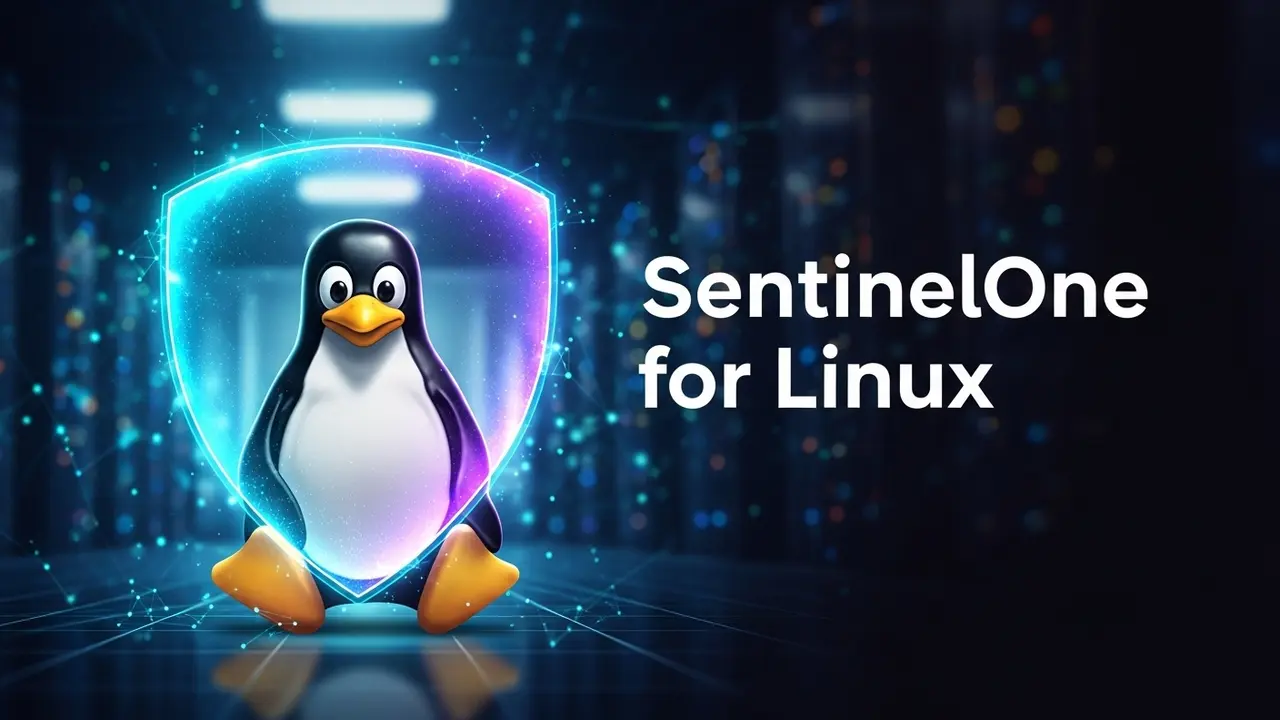
Alright, let’s talk about SentinelOne for Linux. This isn’t your granddad’s antivirus. Traditional antivirus software? It just looks for threats it already knows. But SentinelOne? It uses super-smart AI. A revolutionary “behavioral engine.” This isn’t just pattern matching. It’s real-time, independent threat detection and response. Right at the core of your system, the kernel level.
Think of your Linux system like a strong castle. And SentinelOne? It’s the AI-powered guardian, always on watch. It doesn’t just spot invaders before they even get close. It actively stops them. It can even undo any damage they’ve tried to cause. That’s how proactive its defense is.
SentinelOne’s Singularity Platform gives you full sight and control over all your Linux systems. It doesn’t just look for specific viruses; it spots bad behaviors. This means it can shut down those zero-day attacks and fileless malware that old solutions miss completely. And here’s a cool part: its unique rollback feature can literally undo an attack. It puts your system back to how it was *before* the infection. In moments! This means hardly any downtime. Max resilience. Your teams can focus on new ideas, not on cleaning up messes.
This solution isn’t just about protection. It’s about peace of mind. With SentinelOne for Linux, you get an intelligent shield. One that’s always learning, always adapting to new threats. So your critical systems stay up and stay secure.
Setting Up SentinelOne for Linux: Your Security Checklist
Ready to get SentinelOne running on your Linux systems? It’s a pretty direct process, but you need to be precise. Follow these steps to lock down your Linux endpoints the right way:
First Things First: Planning & Prep
Before you even start, make sure your Linux versions are supported (like Ubuntu, RHEL, CentOS, Debian, SUSE). Check that your network can talk to the SentinelOne management console (SMC). Got enough disk space? Good. Also, think about how you’ll group your deployments based on your company structure and security rules. A smart move? Start with a small test group. Work out any kinks there.
Time to Install the Agent!
You can deploy the SentinelOne agent for Linux in a few ways. It depends on how many systems you’re dealing with. Remember, getting it on *every* system is key for full protection.
Using Package Managers (Best for Big Rollouts)
This is the go-to method for larger setups. It handles all the extra stuff your system needs automatically.
For Ubuntu or Debian systems:
sudo apt update
sudo apt install -y curl
curl -fsSL [SENTINELONE_REPO_URL] | sudo bash
sudo apt update
sudo apt install -y sentinelone-agent
For RHEL or CentOS systems:
sudo yum install -y curl
curl -fsSL [SENTINELONE_REPO_URL] | sudo bash
sudo yum install -y sentinelone-agent
Important: You’ll need to replace `[SENTINELONE_REPO_URL]` with the actual link you get from your SentinelOne console. This way, you ensure you’re getting the right, up-to-date package.
Manual Installation (For One-Offs or Testing)
Just need to install it on a single machine or for a quick test? Download the specific agent package from your SentinelOne console. Here’s how:
For a .deb package (like for Ubuntu/Debian):
wget [AGENT_DOWNLOAD_URL]/SentinelAgent.deb
sudo dpkg -i SentinelAgent.deb
For an .rpm package (like for RHEL/CentOS):
wget [AGENT_DOWNLOAD_URL]/SentinelAgent.rpm
sudo rpm -ivh SentinelAgent.rpm
After installing, you need to “activate” the agent. Think of it like giving it its marching orders using your unique site token:
sudo /opt/sentinelone/bin/sentinelctl set-site-token "YOUR_SITE_TOKEN_HERE"
sudo /opt/sentinelone/bin/sentinelctl start
Pro Tip: If you’re doing a big rollout, use tools like Ansible or Puppet to automatically deploy that site token. It makes life *so* much easier!
Check It! And Set It Up
So, you’ve installed it. Now what? Time to check if it’s working. Run this command:
sudo /opt/sentinelone/bin/sentinelctl status
You want to see `active` and `connected` in the output. Then, jump into your SentinelOne management console. Does your new Linux system show up there? Is it sending data? Awesome!
Next, tailor your security policies for your Linux setups. This includes telling SentinelOne about legitimate apps or important folders it should ignore. This helps prevent false alarms and keeps things running smoothly. Are your critical business applications truly safe?
Keep It Protected: Best Practices
Installing SentinelOne is just the start. To keep your Linux systems super secure over the long haul, follow these tips:
- Review Policies Regularly: Cyber threats change. Your security rules should too.
- Connect to Your SIEM/SOAR: Send alerts to your Security Information and Event Management (SIEM) or Security Orchestration, Automation, and Response (SOAR) platforms. This gives you one central place to see everything and automate responses.
- Update Agents: Always keep your SentinelOne agents updated. This gives you the latest threat info and features.
- Educate Your Users: Even with amazing security tech, human mistakes can still be a weak point. Train your team!
- Test, Test, Test: Every now and then, run simulated attacks against your systems. This helps you make sure your defenses are actually working. Want to learn more? Check out our guide on Endpoint Security Best Practices for a complete approach.
Beyond Installation: Get the Most Out of SentinelOne for Linux
The real power of SentinelOne for Linux goes way beyond just installing it. It’s a platform built for being proactive and digging deep into security issues. Use its EDR features to “hunt for threats.” This means actively searching for signs of trouble or suspicious actions that might even slip past the best automated systems. This deep dive into your system’s behavior gives you unmatched security.
Think about connecting SentinelOne with your other security tools. Its Singularity XDR (Extended Detection and Response) can pull in data from everywhere: your cloud, identity systems, network, and more. This gives you one big, unified picture of your entire digital landscape. This full-circle approach means no threat goes unnoticed, no matter where it starts. For a deeper dive, check out our guide on Understanding XDR for Comprehensive Protection.
Always monitoring your systems and keeping things updated? That’s non-negotiable. The cyber world is like a constantly moving battlefield, and your defenses need to be just as quick. Regularly check what’s happening on your Linux systems, analyze alerts, and tweak your policies to match new threats. This vigilant approach ensures your investment in SentinelOne keeps delivering big value. And it keeps your Linux systems strong.
Your Digital Fortress: The Future of Linux Security with SentinelOne
In a world where cyber threats get smarter every single day, sticking with old security methods for your Linux systems just isn’t an option anymore. The stakes are simply too high. SentinelOne for Linux offers a fresh, AI-driven solution. It provides unmatched real-time protection, autonomous responses, and fixes. It turns your Linux endpoints from potential weak spots into truly strong defenses.
When you set up SentinelOne, you’re doing more than just installing software. You’re investing in a proactive security plan. One that cuts down on risk, keeps your business running smoothly, and protects your most important assets. Don’t wait for the next breach to realize how important advanced endpoint protection is. Secure your Linux systems today with SentinelOne for Linux. Join the companies that are leading the way in cybersecurity resilience.
FAQs About SentinelOne for Linux
What makes SentinelOne for Linux different from traditional antivirus?
Traditional antivirus just looks for threats it already knows (signature-based). SentinelOne for Linux uses super-smart AI and machine learning. This lets it find and stop new, unknown, and fileless attacks by watching for suspicious behaviors in real-time. It’s a much stronger defense against today’s tricky cyber threats that old tools just can’t handle.
Is SentinelOne for Linux compatible with all Linux distributions?
SentinelOne for Linux works with many popular distributions. This includes major versions of Ubuntu, Red Hat Enterprise Linux (RHEL), CentOS, Debian, SUSE Linux Enterprise Server (SLES), and Amazon Linux. Always check the official SentinelOne documentation for the very latest list of supported operating systems and kernel versions before you deploy it. This makes sure everything will work perfectly.
How does SentinelOne impact system performance on Linux?
SentinelOne agents are built to be very light. They have almost no impact on your system’s performance. The AI engine runs efficiently deep in your system (at the kernel level), using very little CPU or memory. Because it works on its own, it doesn’t need constant cloud checks, which also helps keep things fast. Most users barely notice any change in performance, even on busy production servers.
Can SentinelOne for Linux protect against ransomware attacks?
Absolutely! SentinelOne’s behavioral AI is super effective against ransomware. It spots the unique encryption actions of ransomware as they happen. When it finds ransomware, it immediately isolates the threat. And here’s the best part: it can roll back any affected files to how they were *before* the attack. This means minimal data loss and no major disruption. This automatic rollback feature is a critical defense against ransomware.
What kind of reporting and visibility does SentinelOne offer for Linux endpoints?
SentinelOne gives you tons of detailed reports and deep insight into your Linux systems through its central Singularity management console. You can see detailed threat alerts, forensic data (like how an attack happened), process trees, network connections, and user activity. This rich information helps your security team investigate incidents thoroughly, proactively hunt for threats, and easily create compliance reports.
Is SentinelOne for Linux suitable for both servers and desktops?
Yes, SentinelOne for Linux is incredibly flexible. It’s designed to protect both Linux servers and desktop environments. Its strong security features work equally well whether you’re protecting critical infrastructure, web servers, development machines, or user workstations. The agent provides consistent, high-level protection across all your Linux systems, no matter what their role is in your company’s network.
How does SentinelOne handle offline Linux endpoints?
SentinelOne agents are built to protect your systems even when they’re not connected to the internet. The behavioral AI engine runs right on the endpoint itself, so it can detect and prevent threats without needing a constant cloud connection. When the system reconnects, it automatically updates its threat intelligence and sends all the details about incidents that happened offline to the management console for your review.