Stop Your Linux Laptop From Dying at Lunch
I learned this one the hard way.
Last Tuesday my ThinkPad hit 12 % juice right in the middle of a Zoom call. Client watching. No charger. Awful.
Five minutes later a colleague — total Linux nerd — pings me: “Just run powerprofilesctl set power-saver and chill.”
Powerprofiles what?
What Is This Magic Switch?
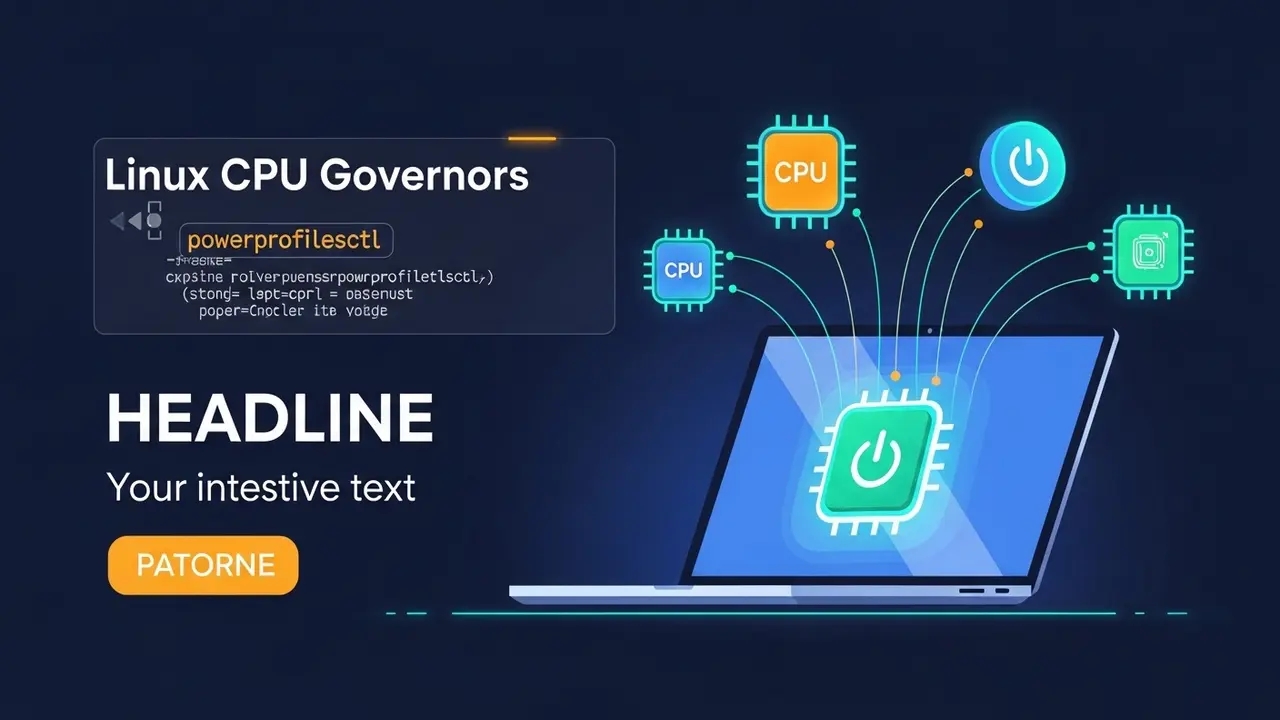
Think of powerprofilesctl as the “easy button” for your CPU. Instead of diving into kernel files, you pick one of three modes:
- Power-Saver — sips battery like a baby with a juice box
- Balanced — everyday smooth, nothing fancy
- Performance — opens the taps for builds or games
Under the hood it quietly flips CPU governors, but you never have to spell “schedutil”.
The Two-Minute Setup
Open your terminal. Yes, the black box everyone avoids. Copy, paste, hit Enter:
Check what you already have:
powerprofilesctl listBattery closing in on 10 %? Throw the life-ring:
powerprofilesctl set power-saverNeed raw speed for a compile?
powerprofilesctl set performanceWant to double-check current mode?
powerprofilesctl getThat’s it. Seriously. Done.
Real-Life Examples
- Long flight tomorrow? Put the laptop in power-saver the night before. I jumped from 4 hours to 7 on a single charge.
- Gaming session after work? Flip to performance, crank the settings, plug your charger. Silky frames, no regrets.
- Coffee shop sprint? Balanced keeps the fan quiet while you ship that report.
Quick Fix Corner
Sometimes the tool whines about a missing service.
Check:
systemctl status power-profiles-daemonIf you see “inactive”, wake it up:
sudo systemctl enable --now power-profiles-daemonDone. Move on.
Pro Tweaks If You’re Bored
- Wanna watch the governor change?
watch -n1 cat /sys/devices/system/cpu/cpu*/cpufreq/scaling_governorLines flicker in real-time as you switch profiles.
- Make your choice stick between reboots.
Create a tiny one-liner in ~/.xprofile:powerprofilesctl set balancedLogs you in, already calm.
Key Takeaway
You no longer need a PhD in kernel configs. One command, three options, and your laptop finally behaves.
Try it right now:
powerprofilesctl listPick a mode. Feel the difference. And maybe, like me, you’ll never miss another video call.